Kapitsa: Double Speed, Double the Headache!
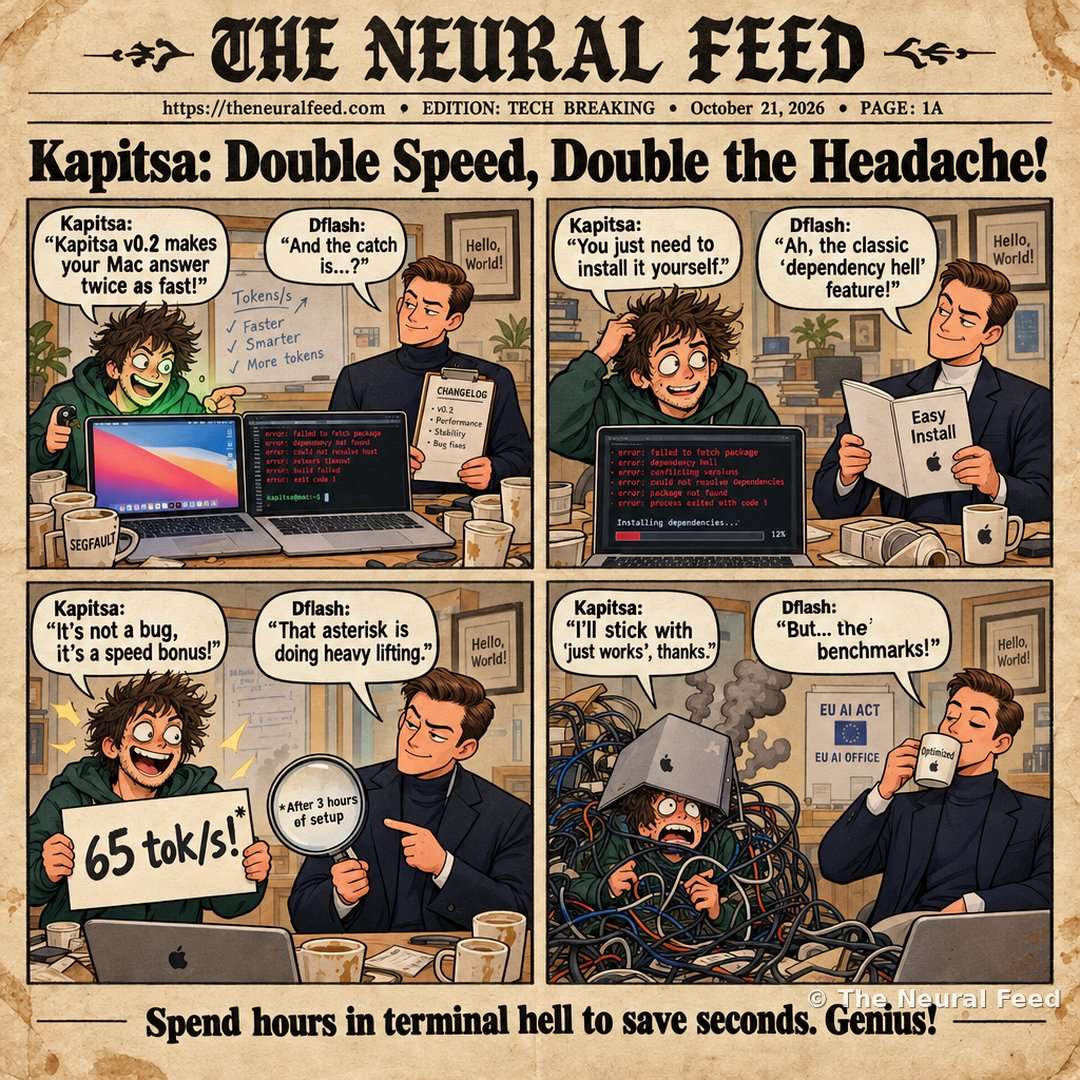
“Spend hours in terminal hell to save seconds. Genius!”
The story behind the toon
A free, buggy, self-installed tool makes your MacBook answer twice as fast—because nothing says 'cutting-edge AI' like spending an afternoon in terminal dependency hell to save 15 seconds per prompt.
What happened: A free tool that makes AI models run faster on Macs.
Why it matters: It can double AI response speed but requires manual setup and has bugs.
This Neural Toon is based on the story “KFlash: Benchmarks of newly released versions of Apple Silicon optimized engines: 1.4.0 Splash (DFlash2 ~ 50 tok/s) vs 0.2 Kapitsa (KFlash ~65 tok/s), MLX(MTP) & more on Qwen 3.8 27b/4b/35b 4Q on Macbook Pro M4 Pro 48 GB 2024, 48GB & Macbook Pro M1 Pro 16GB 2021”.
Read our summary of the story · original source
Comic transcript
Panel 1 – Kapitsa: Kapitsa v0.2 makes your Mac answer twice as fast!
Panel 1 – Dflash: And the catch is...?
Panel 2 – Kapitsa: You just need to install it yourself.
Panel 2 – Dflash: Ah, the classic 'dependency hell' feature!
Panel 3 – Kapitsa: It's not a bug, it's a speed bonus!
Panel 3 – Dflash: That asterisk is doing heavy lifting.
Panel 4 – Dflash: I'll stick with 'just works', thanks.
Panel 4 – Kapitsa: But... the benchmarks!
More Neural Toons · Neural Snaps · The Neural Feed
📬 Get the top AI stories every morning
One email a day, no spam, unsubscribe anytime.